 |
Blamite Game Engine - blam!
00453.06.08.26.0624.blamite
The core library for the Blamite Game Engine.
|
|
Blamite Game Engine - blam!
00453.06.08.26.0624.blamite
The core library for the Blamite Game Engine.
|
Namespaces | |
| Procedures | |
| Utils | |
| Namespace containing helper functions for Win32 dialogs. | |
Functions | |
| BLAM void | Initialize () |
| BLAM void | ShowDialog (int id) |
| BLAM int | ShowModal (int id) |
| BLAM bool | ShowFirstbootDialog () |
| Displays the Firstboot dialog. More... | |
| BLAM void | ShowAboutDialog () |
| Displays the About dialog. More... | |
| BLAM void | ShowEngineInfoDialog () |
| Displays the Engine Information dialog. More... | |
| BLAM void | ShowFontTestDialog () |
| Displays the Font Test dialog. More... | |
| BLAM int | ShowErrorDialogModal (std::string error_text, bool allow_continue=true, bool allow_safemode=true) |
| Displays the Error dialog as a modal dialog. More... | |
| BLAM void | ShowSentryEventDialog () |
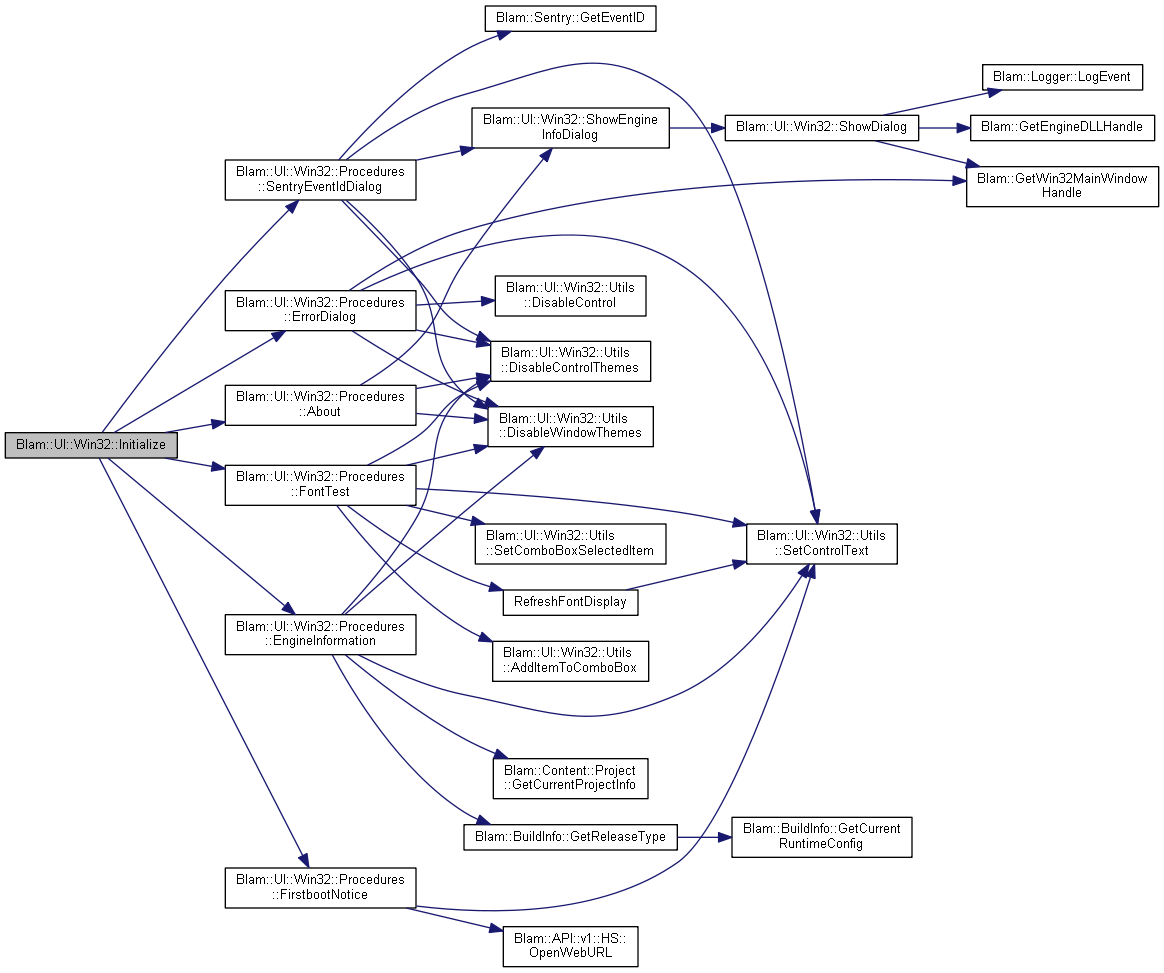
| void Blam::UI::Win32::Initialize | ( | ) |
 Here is the call graph for this function: Here is the caller graph for this function:
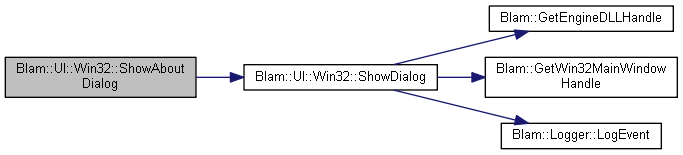
| void Blam::UI::Win32::ShowAboutDialog | ( | ) |
Displays the About dialog.
The about dialog will show...something. Right now, its just a copy/paste from when I was angry and had no idea how to make dialogs work. As such, it still identifies itself as FUCKING_DIALOG_TEST rather than Blamite. It also has a button to view engine information.
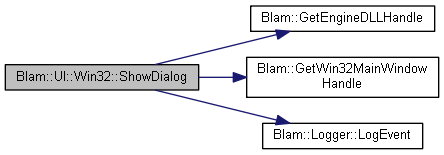
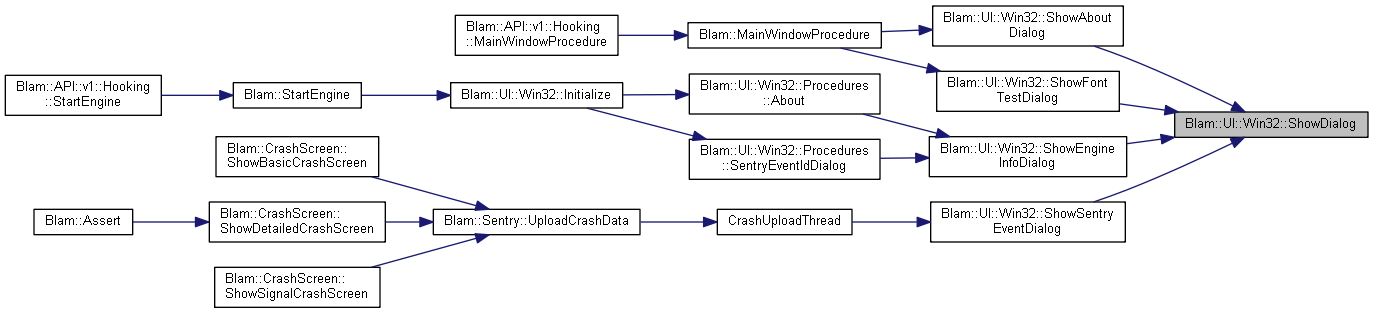
Here is the call graph for this function: Here is the caller graph for this function:| void Blam::UI::Win32::ShowDialog | ( | int | id | ) |
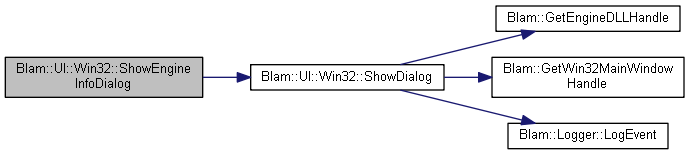
Here is the call graph for this function: Here is the caller graph for this function:| void Blam::UI::Win32::ShowEngineInfoDialog | ( | ) |
Displays the Engine Information dialog.
This dialog shows some basic information about this engine build.
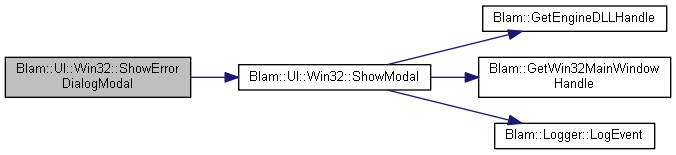
Here is the call graph for this function: Here is the caller graph for this function:| int Blam::UI::Win32::ShowErrorDialogModal | ( | std::string | error_text, |
| bool | allow_continue = true, |
||
| bool | allow_safemode = true |
||
| ) |
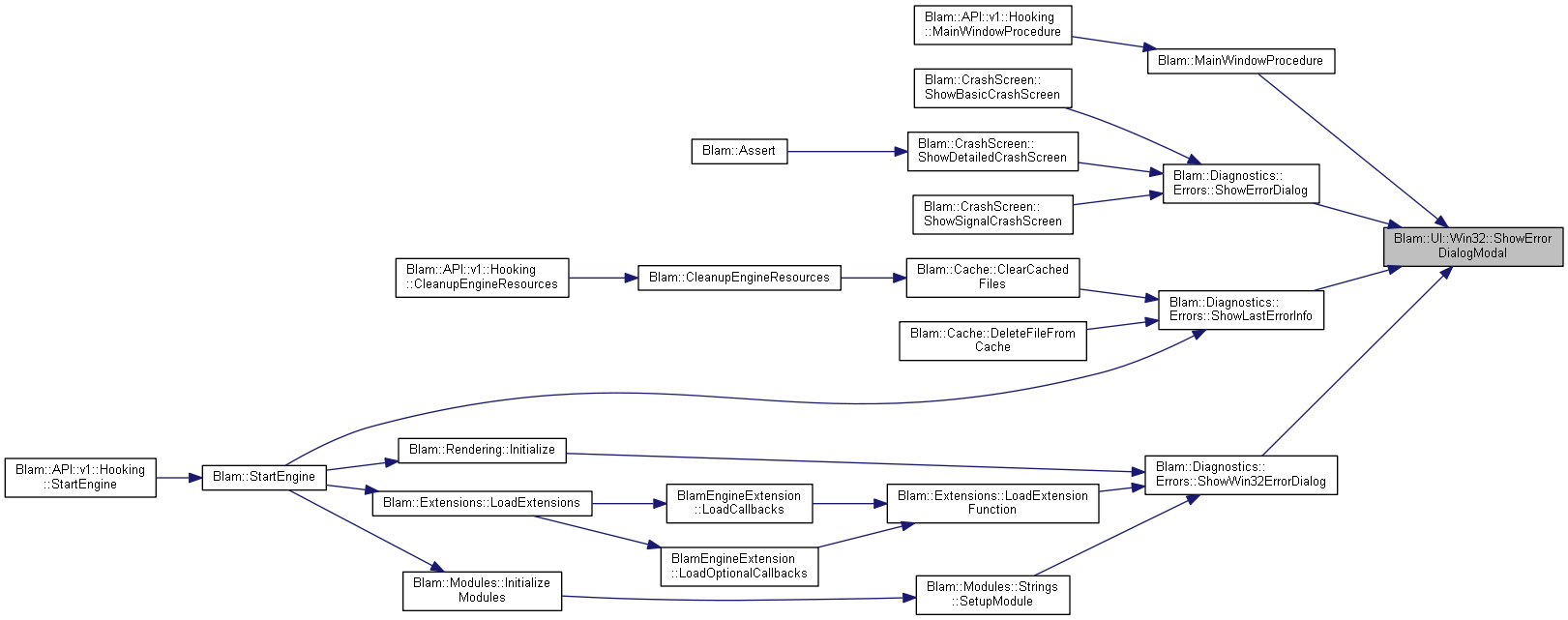
Displays the Error dialog as a modal dialog.
| error_text | - The text to show in the Error dialog. |
| allow_continue | - Whether or not to allow the user to choose the Continue option. |
| allow_safemode | - Whether or not to allow the user to choose the Safe Mode option. |
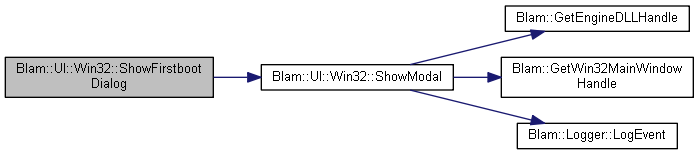
Here is the call graph for this function: Here is the caller graph for this function:| bool Blam::UI::Win32::ShowFirstbootDialog | ( | ) |
Displays the Firstboot dialog.
The firstboot dialog should be shown upon first booting a development build of the engine. It will show a message informing developers to report any bugs they find on Gitlab, as well as ask any non-developers to notify Elaztek in the event the build is leaked somehow.
true if the user cancelled the dialog. If this returns false, then the user clicked the OK button, and the dialog should not be displayed on future startups. Here is the call graph for this function: Here is the caller graph for this function:| void Blam::UI::Win32::ShowFontTestDialog | ( | ) |
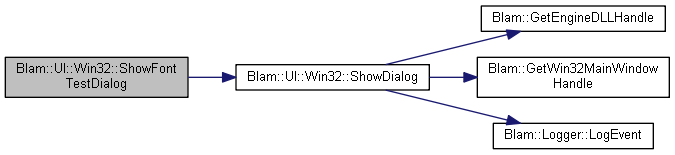
Displays the Font Test dialog.
This dialog allows for testing of Font rendering.
Here is the call graph for this function: Here is the caller graph for this function:| int Blam::UI::Win32::ShowModal | ( | int | id | ) |
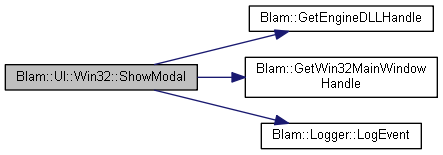
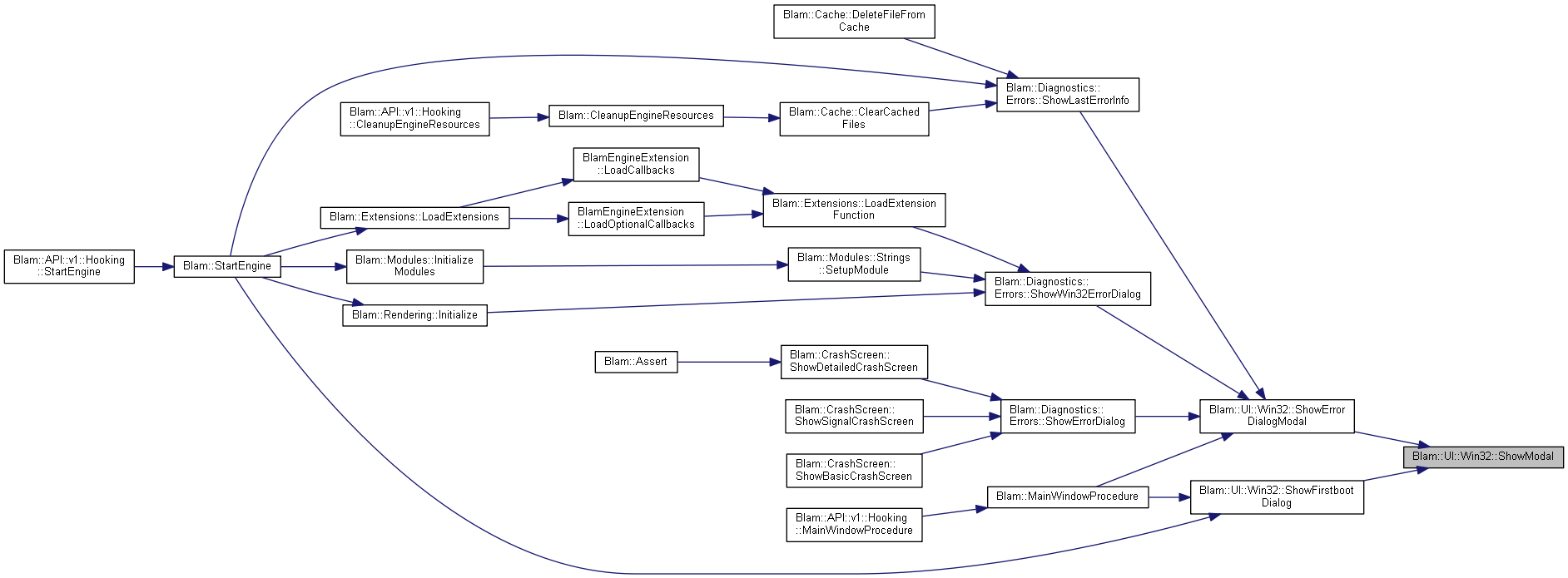
Here is the call graph for this function: Here is the caller graph for this function:| void Blam::UI::Win32::ShowSentryEventDialog | ( | ) |
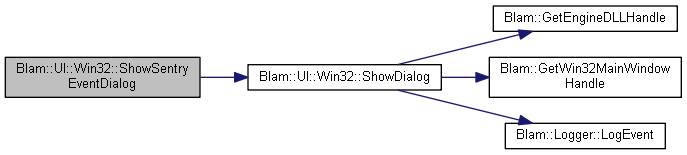
Here is the call graph for this function: Here is the caller graph for this function: 1.8.17